mCAM
Meet mCAM, the cutting-edge 3D programming tool designed for automated 3D cutting of pipes, beams, profiles, domes and plates. mCAM provides a seamless bridge between your CAD designs and CNC machinery, ensuring that every intricate detail in your designs is precisely translated to your CNC operations.
mCAM stands out in its ability to directly import 3D models created in programs such as SolidWorks or Inventor. Once imported, these models can be organized into individual libraries for streamlined processing.
The software examines your CAD model in detail and automatically detects all cutting paths. With integrated standard shapes library, you can also easily design parts directly in mCAM. Individual parts can be automatically nested onto semi-prod- ucts, optimizing material usage and minimizing wastage.
The intuitive user interface ensures that even those new to the world of CAM can quickly navi- gate through the software. With lots of tutorials, detailed docs, and training materials at your fin- gertips, mastering mCAM is as easy as can be. And if you ever face any challenges, our dedicated sup- port team is always ready to assist, ensuring that mCAM meets your specific requirements.
Whether you’re working with MicroStep’s laser, plasma, oxyfuel or waterjet technologies, mCAM offers a well-optimized and comprehensive suite tailored to your cutting and design needs. Efficient, intuitive, and power-packed – that’s mCAM for you.
Features
Powerful 3D CAM software for parts and assemblies
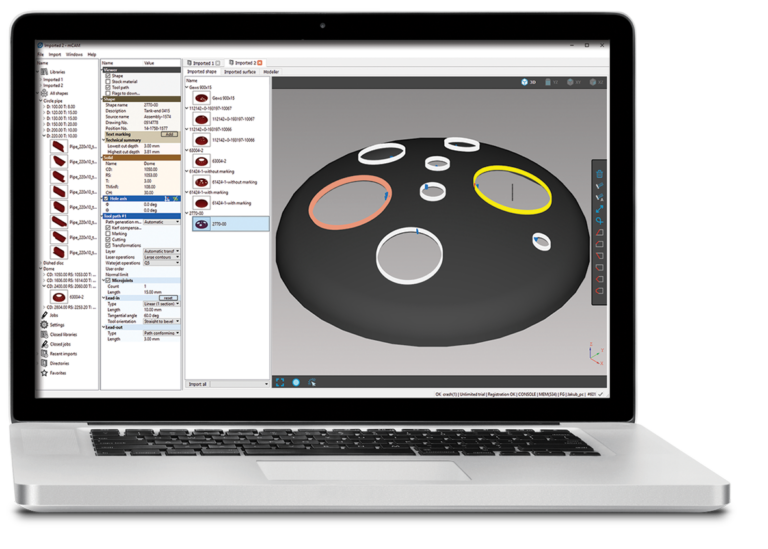
mCAM automatically detects both simple and complex 3D shapes: plates, circular pipes, rectangular profiles, elliptical, torispherical and semi-elliptical domes, cones, arched, dished, flat and inverted domes, sphere-caps, extruded and bent U- and L-beams and H- and I-beams with parallel and non-parallel flanges.
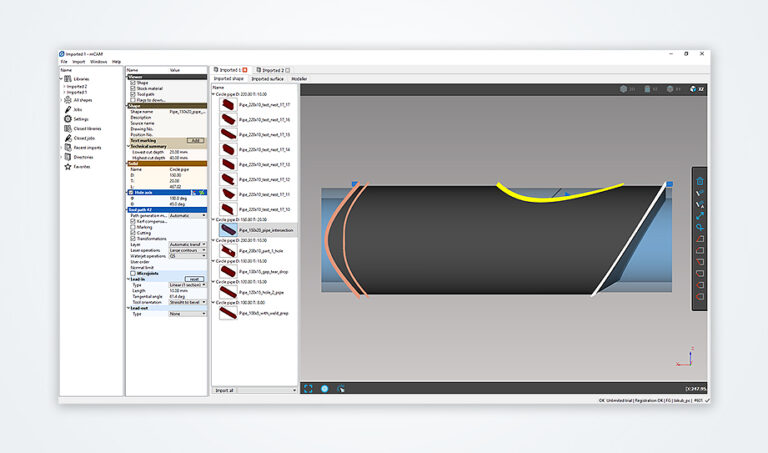
Whole assemblies and individual components can be easily imported from 3D models, nested and cut. mCAM stores all imported parts in internal part libraries for later re-use and parameter adjustment.
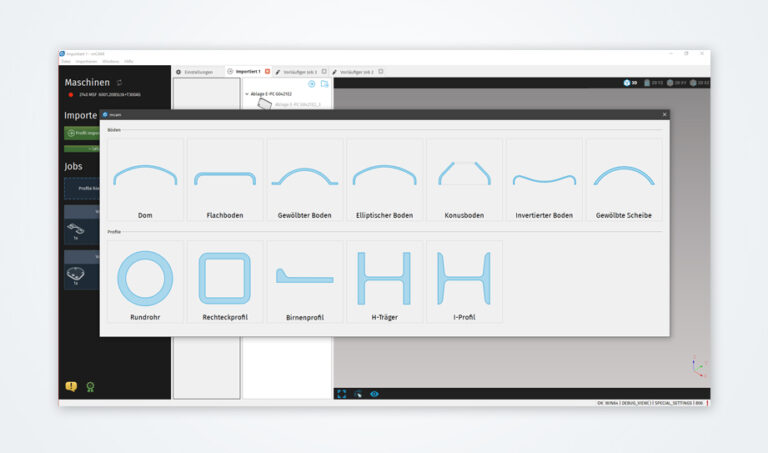
Integrating CAD and CAM functionalities within a single software creates a seamless workflow. Users can design their parts from pre-defined shapes and immediately proceed to CAM processing without the need to export or import files.
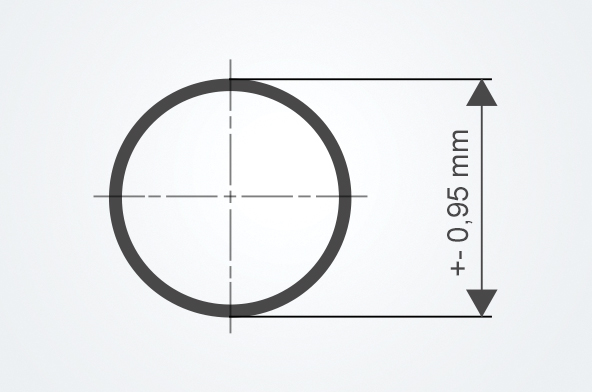
MicroStep uses 3D laser scanning or other detection methods to measure the semi-products for any production-related imprecisions. After detection, mCAM is used to automatically re-calculate cut paths to compensate for material inaccuracies during the cutting process.

With cutting simulation in mCAM, cutting plans can be checked for possible errors before the actual cutting, saving time and resources through less waste, and generally ensuring higher process reliability.
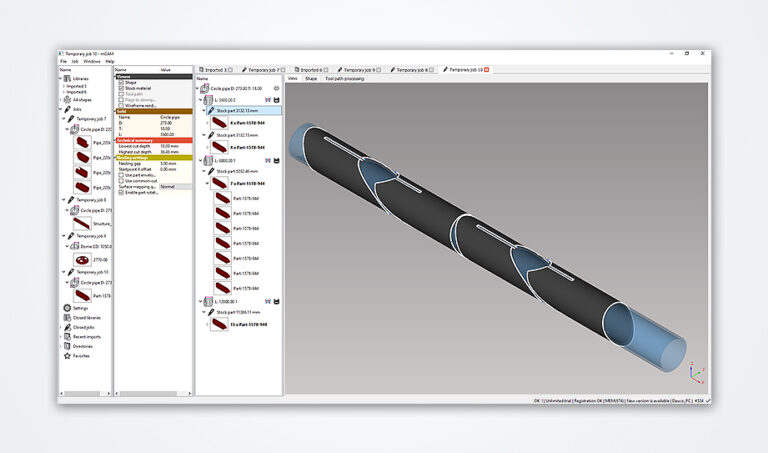
mCAM’s nesting algorithm intelligently nests the parts on stock material with minimal gaps, so that maximum material utilization and most efficient cutting paths are achieved. Further automation can be provided by integrating mCAM with CyberFab® Manager and connecting it to an ERP system.
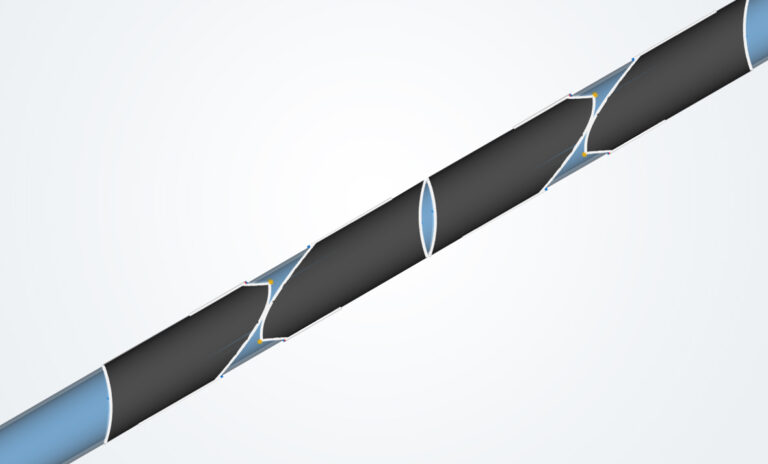
mCAM can add micro-joints to the finished cutting plan to minimize the risk of thermal deformation and to keep the individual components together right up to the end.
See it in action
to global brands